
A free image editor and optimizer
PhotoFiltre is a free productivity tool and an image editor designed for users who want practical editing tools without the complexity of professional software. It offers a straightforward approach to image enhancement, making it suitable for beginners and casual users who need efficient performance and quick results. Developed by Antonio Da Cruz, it’s available on a PC.
Top Recommended Alternative
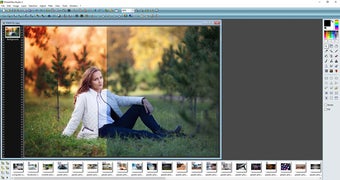
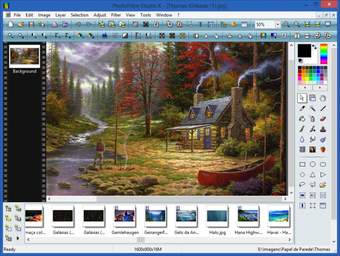
Despite its simplicity, PhotoFiltre provides a solid range of features for everyday image editing tasks. Its fast installation and minimal system requirements make it accessible on most computers, while its interface, though initially dense, becomes manageable with regular use and basic familiarity.
Offers a variety of editing tools
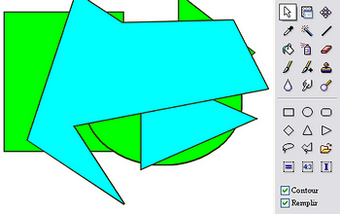
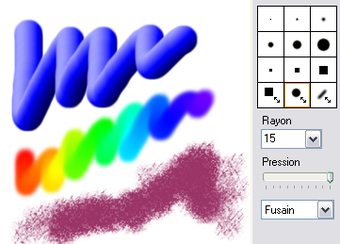
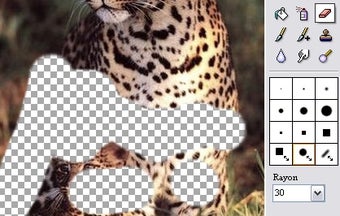
PhotoFiltre delivers a balanced set of editing tools focused on efficiency rather than depth. Basic adjustments such as brightness, contrast, hue, and saturation are easy to access and apply here, with options for both manual control and automatic correction. This makes quick image enhancement straightforward, especially for users who prefer immediate visual results without navigating complex menus or layered workflows.
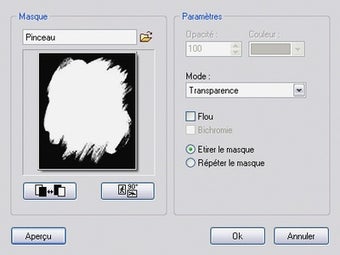
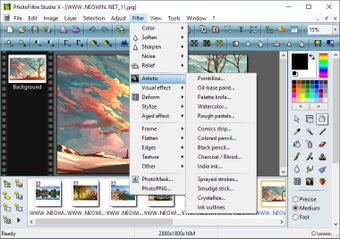
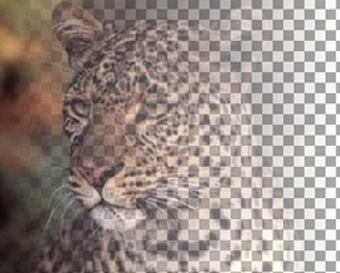
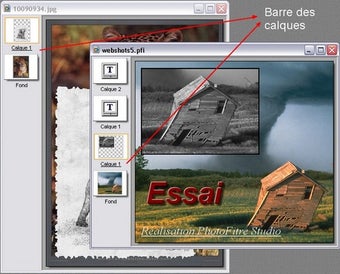
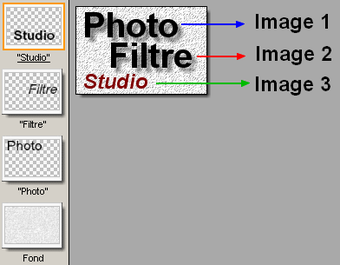
Moreover, this image editing platform includes a variety of standard filters that allow users to apply stylistic effects and simple transformations. However, its functionality is limited compared to advanced editors, particularly due to the absence of layer support. This restriction makes complex compositions or detailed multi-element editing more difficult, positioning it primarily as a tool for basic and intermediate image manipulation.
In addition to editing, it supports a wide range of image formats and offers batch processing capabilities, enabling users to convert or modify multiple files efficiently. Zoom options are available but lack precision in some cases, while the built-in image explorer helps preview files quickly, though it can become cumbersome when managing large or varied image collections. However, it lacks many high-end tools found in professional editors like Adobe Photoshop.
A must-try image editor
PhotoFiltre stands out as a practical solution for users seeking a fast, no-cost image editor with essential tools. While it lacks advanced capabilities like layers and deep customization, it compensates with speed, simplicity, and ease of use. For basic editing, quick adjustments, and batch processing, it remains a reliable option, especially for those who prioritize efficiency over professional-grade features.